
Live on Trex IPTV
🏈 NFL Sundays🏀 NBA🏒 NHL🥊 UFC fight nights🥊 Boxing PPV⚾ MLB🤼 WWE⚽ MLS & Premier League
One app, 19,500 live channels, 67,500 on-demand titles and a full guide — on whichever box you already own.
The app carries the whole line-up, the on-demand library and the guide, and picks its quality to match the connection it finds. Installation takes a few minutes. There is no dish, no engineer visit and no contract.
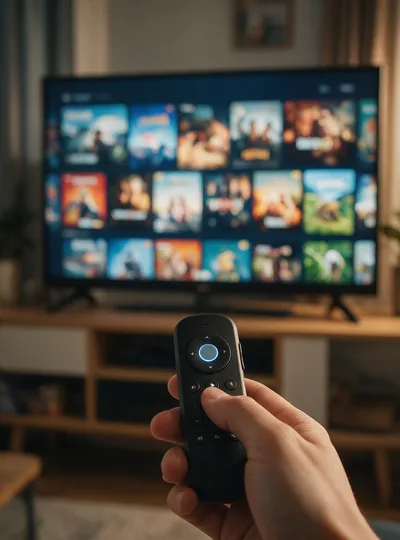
Three routes in. Which one you need depends on whether your device has an app store, a file manager, or only a browser.
The usual route for Firestick and Android TV boxes. Install Downloader from the device's own store, open it, and type the code below — it pulls the APK down and offers to install it.
On an Android phone or tablet, take the APK straight from this page. Android will ask permission to install from an unknown source the first time; allow it for the browser and the install continues.
trexiptvs.com/catchontv.apkFor a Smart TV with a browser but no store, open the browser, fetch the APK to the Downloads folder, then allow unknown sources in Settings before opening the file.
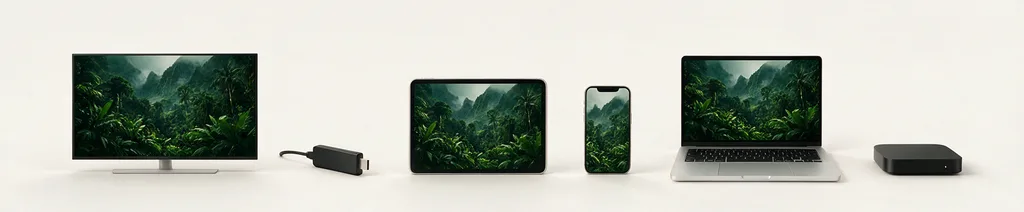
Download APKThese are the devices we test each release against before it ships.
From a standing start, most people are watching inside ten minutes.
Get the app onto the device — Downloader with code 5728794, or the direct APK if your device can sideload.
Open it and paste in the code that arrived by email when you ordered or started the trial.
The channel list and guide populate, and you are watching.
Try it on your own TV for 24 hours first. No card, nothing to cancel.